 Coach Recap
Summary of the Article
Client management for coaches means keeping one clear, current record per client: their goals, session history, open commitments, package balance and payments. It differs from a sales CRM because the relationship starts after the deal closes and runs for months, so your record has to track progress, not pipeline.
In this guide you will learn:
- What to track per client: context, intake results, goals, sessions remaining and payments.
- What to capture after each session in about ten minutes.
- A minimal stack (spreadsheet, calendar, notes) that is honestly enough below roughly five to ten clients, and its limits.
- The signs you have outgrown that setup, and what a coach-shaped tool adds.
What client management actually means for a coach
Client management is how you keep track of who your clients are, what they are working on, what happened last time, what each of you owes the other, and what they have paid for. In a sales business that record centers on deals. In coaching it centers on a person's development over months.
Concretely, good client management answers five questions every time you open a client's file:
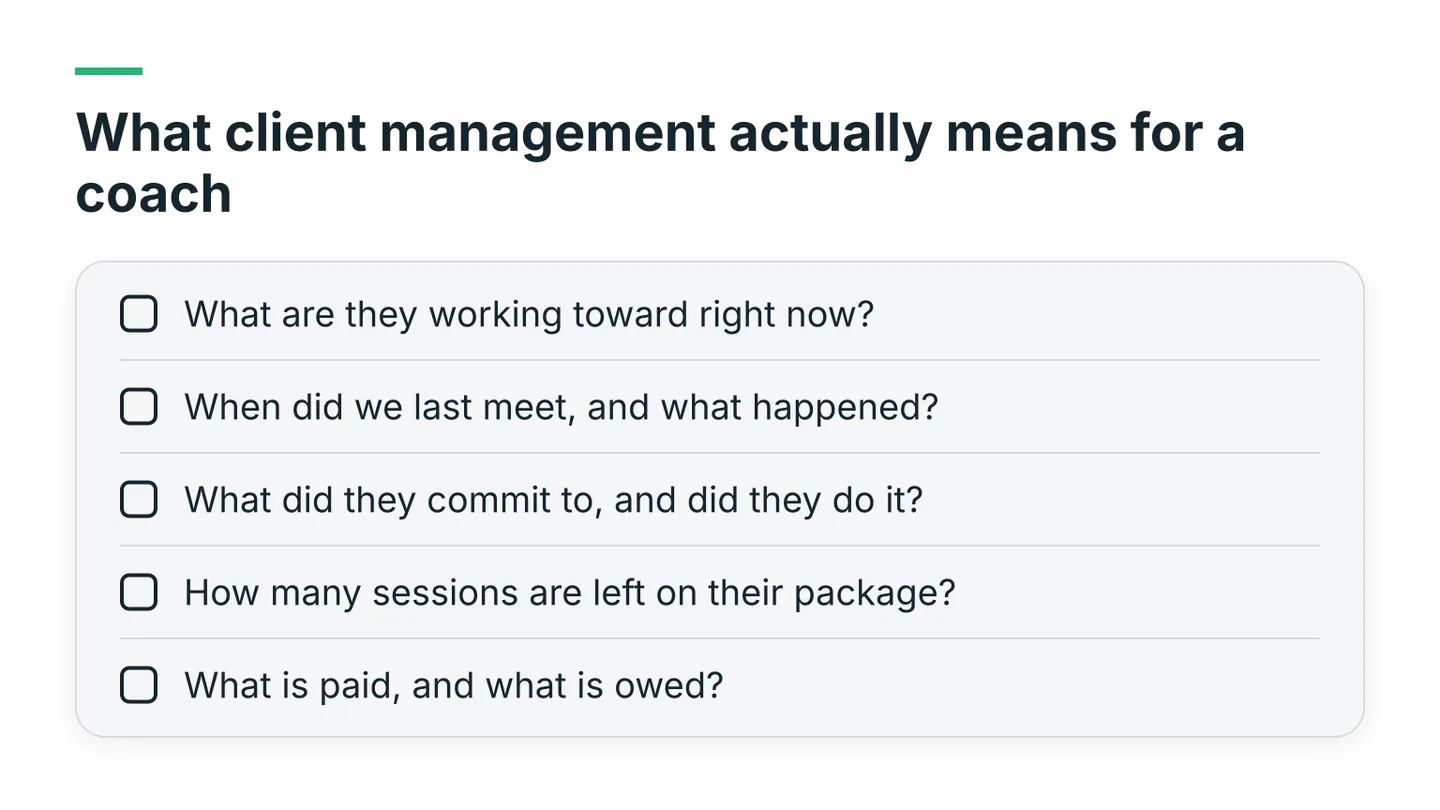
- What are they working toward right now?
- When did we last meet, and what happened?
- What did they commit to, and did they do it?
- How many sessions are left on their package?
- What is paid, and what is owed?
If you can answer those five without hunting through tabs, your client management works. If you cannot, you are running your practice on memory, and memory gets worse exactly when your practice gets better.
Why coaching client management is not a sales CRM
Most client management advice you will find online was written for agencies, freelancers and sales teams, not for a coaching practice. That is not the shape of a coaching engagement.
In a sales process, the CRM's job mostly ends when the deal closes. In coaching, that is the moment the real work starts. Your engagement might run for six months or two years, with a session every week or two. As the coaching platform comparison from Hub Play puts it: a CRM stores the relationship, while coaching work needs the goals, session continuity, actions and visible progress happening inside the relationship. Hub Play is also fair to the other side of that argument: when engagements are short and simple and the main job is admin, a CRM can still be exactly right.
What this means in practice:
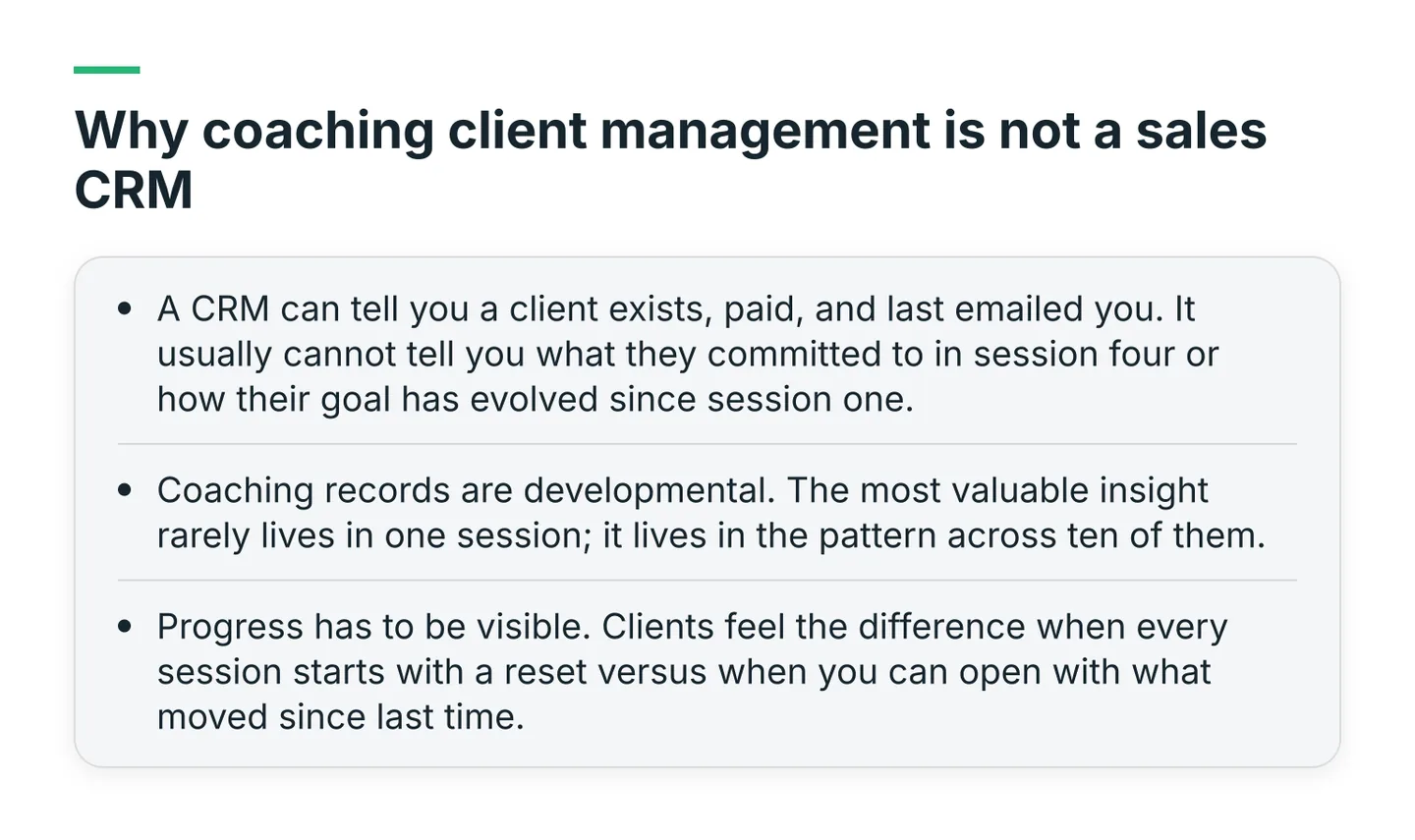
- A CRM can tell you a client exists, paid, and last emailed you. It usually cannot tell you what they committed to in session four or how their goal has evolved since session one.
- Coaching records are developmental. The most valuable insight rarely lives in one session; it lives in the pattern across ten of them.
- Progress has to be visible. Clients feel the difference when every session starts with a reset versus when you can open with what moved since last time.
That said, be honest with yourself: a generic CRM is not wrong. If your engagements are short, simple, and mostly about scheduling and billing, a CRM can be exactly enough. The gap only opens when the coaching itself becomes the main thing you need to track.
What to track per client
Your per-client record is the spine of the whole system. It should hold six things:
| What to track | What it answers | Why it matters |
|---|---|---|
| Contact and context | Who they are, how to reach them, what brought them to coaching | The basics every record needs |
| Intake results | Their starting point, stated goals, constraints | Where every engagement begins |
| Current goal | What they are working toward now | Goals change; the record must change with them |
| Package and sessions remaining | What they bought, how much is left | Turns renewal into a conversation, not a surprise |
| Payments | What is paid, what is owed, invoice status | Keeps the money side calm |
| Session history | Dates and one-line summaries | Lets you walk into every session warm |
Two habits make this record actually useful:
- Keep the stated goal and the goal underneath. Clients often arrive with a resume goal ("get promoted by June") that sits on top of a deeper one ("I feel stuck and don't know what I want"). Track both, because the first one changes and the second one is where the coaching happens.
- Track commitments in both directions. What they owe you (the action they committed to) and what you owe them (the resource you promised to send, the introduction you said you would make). If only one side lives in your system, promises slip.
This list is not one coach's quirk. A career coach running more than 30 active clients describes tracking almost exactly the same set in her own practice: recent sessions at a glance, the stated goal versus the goal underneath, open commitments in both directions, sessions remaining and running themes (her breakdown of what a coaching client database needs to do is worth reading after this).
The intake conversation is the natural starting point of this record. If you do not have a structured intake yet, the free coaching intake form template on this blog covers what to ask before session one.
What to capture per session
Per-session tracking is lighter than you think. Aim for ten minutes after the call, not a transcription. Capture four things:
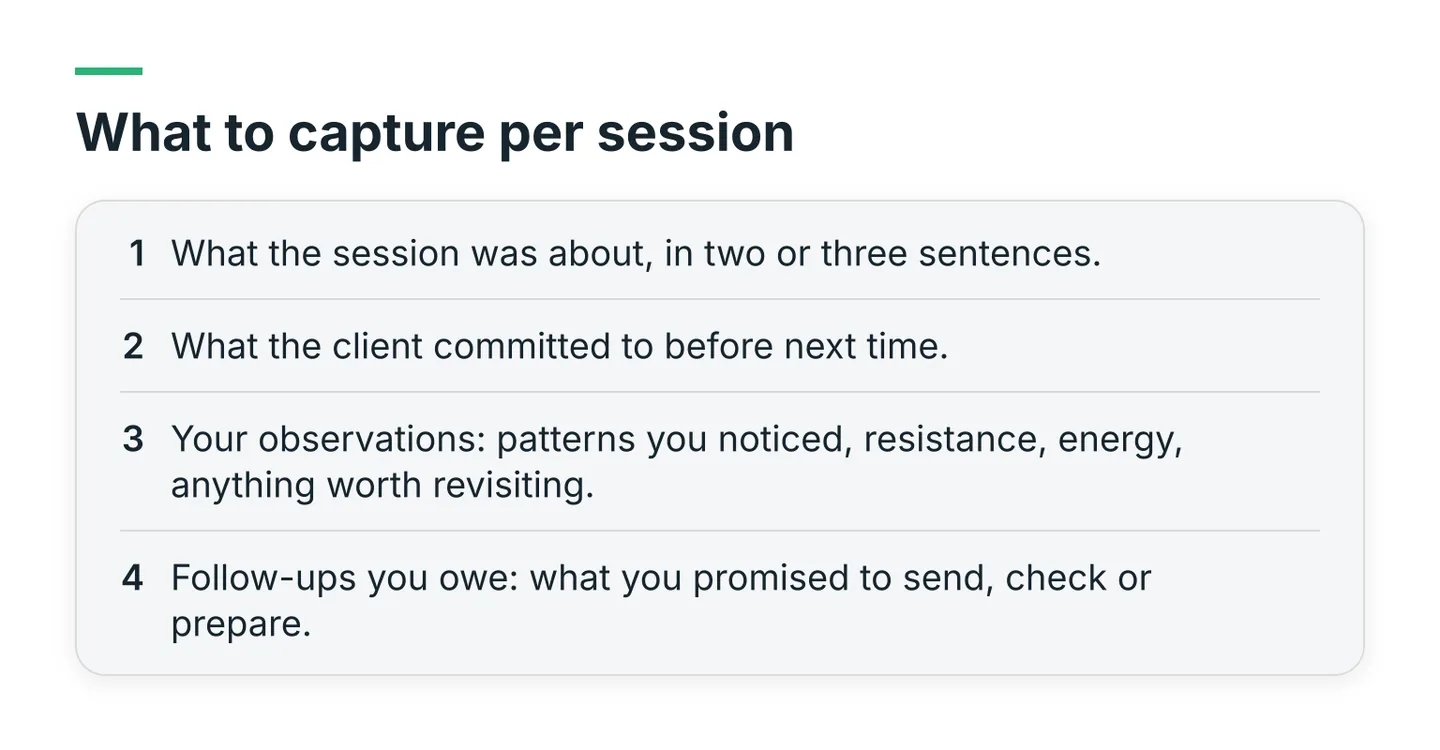
- What the session was about, in two or three sentences.
- What the client committed to before next time.
- Your observations: patterns you noticed, resistance, energy, anything worth revisiting.
- Follow-ups you owe: what you promised to send, check or prepare.
The last item is the one coaches skip, and it is the one that costs the most credibility when forgotten. A client who waits a week for the worksheet you promised notices.
You do not need a special note framework to do this well. Some coaches use structured methods; what matters is that the same four questions get answered every time, in the same place. For a ready-made structure, see this session notes template and example.
Tracking progress across the whole engagement
Per-client and per-session records feed the third layer: the arc. This is where coaching client management earns its keep, because progress is only visible over months.
Practical ways to see the arc:
- Keep the current goal next to the original intake goal, so drift and evolution are visible.
- Note running themes across sessions. The pattern that shows up in sessions two, seven and twelve is often the real coaching conversation, and you only spot it if history sits in one place.
- Track milestones concretely: first client presentation delivered, first difficult conversation had, decision made. These become the evidence of progress at renewal time.
- Watch the quiet signal. A client with no next session on the calendar is the earliest visible sign of a drift-off, and it deserves a nudge long before it becomes a cancelled engagement.
A worked example of what this looks like after three sessions: a client's record shows the original goal ("grow into a management role"), the current version ("decide whether to accept the team-lead offer"), two completed sessions with summaries, one open action the client committed to ("draft the conversation script with their manager"), one follow-up you owe (a reading list), and eight sessions remaining on a ten-pack. Opening that record tells you everything you need in ten seconds.
Communication boundaries worth tracking
Part of client management is managing the space between sessions. Decide, and record, where your boundaries sit:
- How clients book and reschedule, and how much notice you require.
- Whether between-session support exists (messaging, short check-ins) and what it includes.
- Your response expectations: what you answer within a day, and what waits for the next session.
Write these down once, share them at intake, and note them in the client record. Deciding them once is far easier than renegotiating them with every client, and clear expectations prevent the awkward follow-up conversation when a client messages on a Friday night.
A minimal stack that works before you buy anything
You do not need software on day one. A minimal setup holds up well below roughly five to ten clients:
- One spreadsheet: a tab per client or a row per client, with the six fields from the table above.
- Your calendar: the source of truth for sessions, with booking links if you take them.
- One notes location: one doc per client for session notes, dated top to bottom.
This stack costs nothing and teaches you exactly which fields you actually use. Its honest limits:
- Everything updates only when you update it. A spreadsheet is always a few days behind the week you get busy.
- Renewal counting is manual. Sessions remaining drift, and over-delivering for free usually happens here first.
- Nothing is connected. Scheduling, notes, payments and reminders all talk to you, not to each other.
- Search is weak. Finding "what did I notice about this client in October" means scrolling.
How to compare your options honestly
When you evaluate whether to add structure, compare approaches on what they can hold per client, the effort to maintain, confidentiality, and when they break down:
- Spreadsheet: holds anything you type, minimal effort, but goes stale without constant manual updating. Breaks down around five to ten active clients.
- Generic sales CRM: strong on contacts, billing and reminders, weak on goals and session continuity. Fine for short, simple engagements; frustrating for long developmental arcs. If you decide this is your path, this CRM-for-coaches comparison covers the main options.
- Coaching client-management software: holds the full record, sessions, goals, actions and payments in one place, with the cost of learning a new tool. Earns its keep when the developmental record, not the admin, is your main job.
There is no universally right answer. Match the tool to the size and shape of your practice, not to the biggest feature list.
When you outgrow the minimal setup
Two signals usually arrive together: you are opening multiple tools to prepare for one session, and something you promised a client slipped. At that point, the cost of reconciling your spreadsheet, calendar and notes is higher than the cost of a dedicated system.
A dedicated coaching client-management tool should, at minimum, keep client profiles with session history, goals, notes and action items in one place, collect intake forms and check-ins, and tie payments to the person. If you want to see how far the category can go, the CoachevaOS client management guide describes a full record-centered setup with client portals and lead pipelines. For most solo coaches, a lighter version is enough. Coach Recap is one example built that way for one-person practices: client management, scheduling, session notes, goals and action tracking, payments, forms and contracts in a single tool, with ICF hours tracking for ACC, PCC and MCC certification requirements. The client management feature page walks through what that record looks like in practice. Life coaches working one client at a time can also compare the best coaching software options for life coaches before deciding.
Every field must earn its keep
One warning to close the teaching part of this guide: the failure mode of client management is not too little tracking, it is too much. Coaches read a guide like this, build a twelve-column spreadsheet, keep it current for three weeks, and abandon it.
Start smaller than feels comfortable. Track the five questions from the start of this article and nothing else for a month. Add a field only when you can name the decision it changes. A thin record you actually keep beats a complete one you do not.
Next step
If your practice has already outgrown the spreadsheet-and-memory stage, you can try Coach Recap free, with no credit card required: it puts client profiles, session notes, goals, actions, scheduling and payments in one place so the five questions above answer themselves. Start a free Coach Recap account and set up your first client record in minutes.