 Coach Recap
Summary of the Article
An online coaching platform is practice management software that runs your coaching business: client records, booking, payments, session notes, forms and between-session follow-up in one place. To choose one, first write down your delivery model and how many clients you expect to have in 12 months, because your client count determines which pricing model actually costs you less. Then map every must-have feature to that model, decode the pricing math, run a 7-day trial with one real offer, and walk away from red flags like no data export or sales-gated pricing.
- Start with your model: 1:1 packages, group programs, or subscriptions change what you need.
- Do the math at your real client count: a cheap-looking per-client fee can cost more than a flat plan.
- Test the client experience, not the admin dashboard, during the trial.
- Check export before you commit: your client data must be able to leave.
This guide walks you through each of those steps. Once you finish it, you will have a scored shortlist and a concrete trial plan, not another tab full of tool rankings.
What "Online Coaching Platform" Actually Means
The phrase gets used for three different kinds of software, and mixing them up wastes weeks of research.
Practice management platforms are built around the coaching relationship. They hold client records, session history, notes, goals, booking, payments, contracts and forms. This is what a solo coach running paid client engagements usually needs, and it is what this guide is about.
Course and community platforms are built around content. Think of tools where you record lessons, drip modules and host a member feed. They suit coaches who mostly sell self-paced programs, but they have shallow or no client records, session notes or per-client billing.
Generic schedulers and CRMs cover pieces of the job. A booking tool handles appointments and an invoicing tool collects money, but neither knows what happened in the session, what your client committed to, or what they filled in on their intake form.
The practical test: could the tool answer "what did this client agree to, what did we cover last session, what did they pay, and what did they say in their check-in?" without you opening three other apps. If not, it is a piece of the stack, not a platform.
Step 1: Define Your Delivery Model and 12-Month Roster First
Do not open a single pricing page yet. Write down three numbers and one sentence.
Your three numbers:
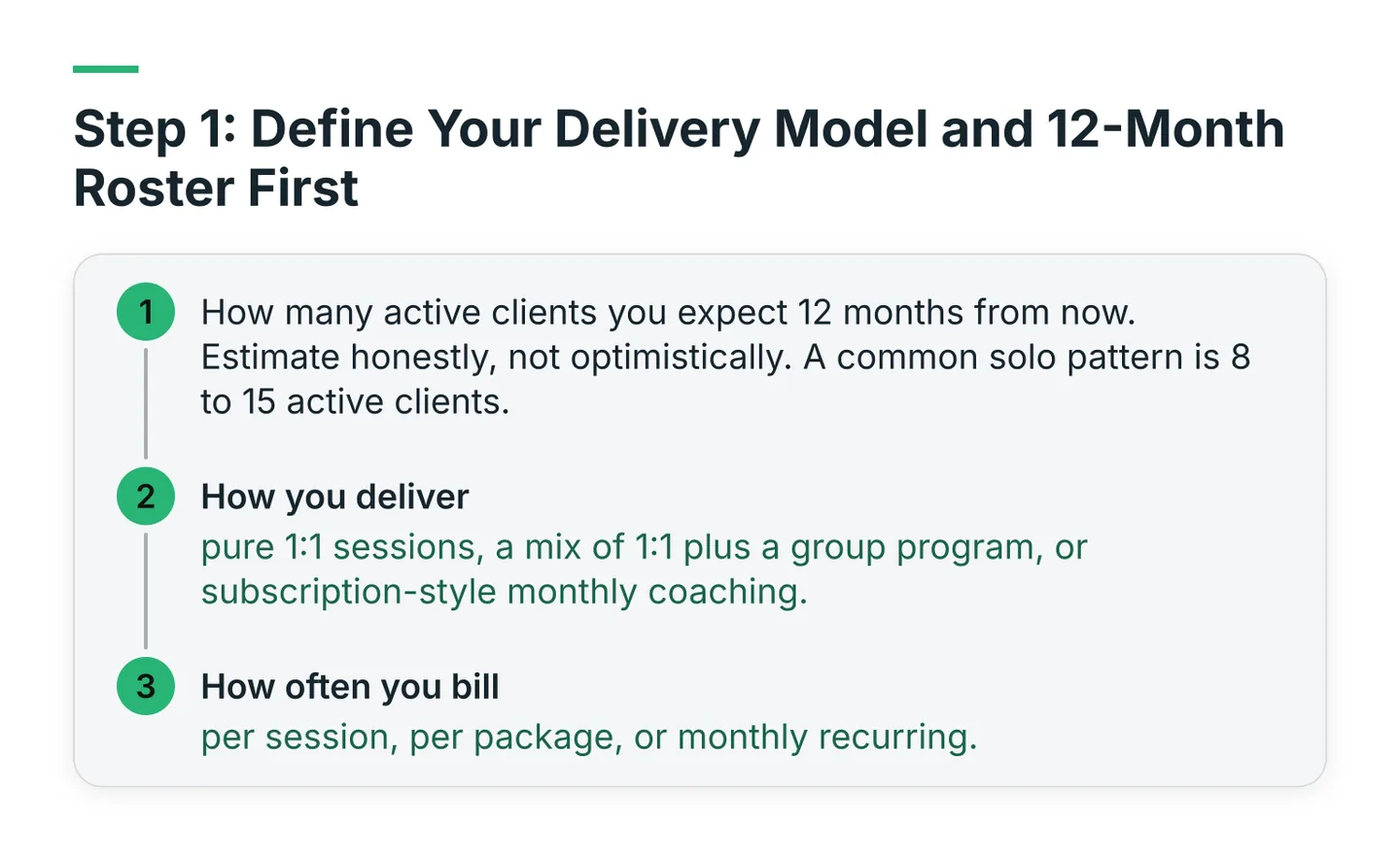
- How many active clients you expect 12 months from now. Estimate honestly, not optimistically. A common solo pattern is 8 to 15 active clients.
- How you deliver: pure 1:1 sessions, a mix of 1:1 plus a group program, or subscription-style monthly coaching.
- How often you bill: per session, per package, or monthly recurring.
Your one sentence: "A new client books a discovery call, signs, pays for [package type], and I see them [frequency]." If you cannot finish that sentence, any platform demo will sound good because you have nothing to test it against.
Why this matters more than features: most platforms are priced around your client count, and the billing model changes the answer to "which is cheaper" as you grow. We will show the arithmetic later with a real roster size.
If you are still building your roster and want context on where the market is heading, our coaching industry statistics page has current data on market size and coach income.
The Core Feature Anatomy of a Coaching Platform
Every practice management platform is trying to cover the same six jobs. Score any tool against all six, because a tool that nails five and skips one will leak time every week.
1. Client records and session history. One profile per client showing every session, note, goal and payment. If you are deciding what a client record should actually contain, our guide on client management for coaches breaks down what to track and how to stay organized.
If you are working toward an ICF credential, add one more test to this category: can the platform log your coaching hours per client? ICF requires documented experience for each credential level (for example, 100 hours with at least 8 clients for the ACC, 75 of them paid), so a platform that tracks hours as you work saves you maintaining a separate log. The exact requirements are on the ICF credentialing experience requirements page.
2. Scheduling and calendar sync. A booking page clients actually use, plus two-way sync with Google Calendar or Outlook so a booking made in the platform blocks your calendar and vice versa. Check the direction of the sync carefully: one-way sync causes double-bookings.
3. Payments and contracts. Card payments, session packs, and monthly subscriptions, with the platform handling receipts. Platforms typically process payments through Stripe, whose standard rate for domestic cards is 2.9% plus 30 cents per successful transaction, so add that processing cost on top of any platform fee when you compare tools. The current rates for each payment method are published on Stripe's pricing page.
4. Forms, intake and contracts. Intake questionnaires, feedback surveys, progress check-ins and e-signable agreements. If forms live in a separate tool, you are paying for and logging into two systems.
5. Between-session delivery. This is the category listicles skip and clients feel most. Session notes, action items, resources shared with the client, messages, and check-ins between calls. A platform that only schedules and bills leaves the actual coaching continuity to your memory and your inbox. For what a good note should capture, see our session notes template.
6. Reminders and client accountability. Automated session reminders, goal tracking and follow-ups, so fewer no-shows and fewer manual "just checking in" messages.
Pricing Models Decoded: Four Ways Platforms Bill You
Almost every coaching platform uses one or more of these four models. The headline price tells you almost nothing until you know which model it belongs to.
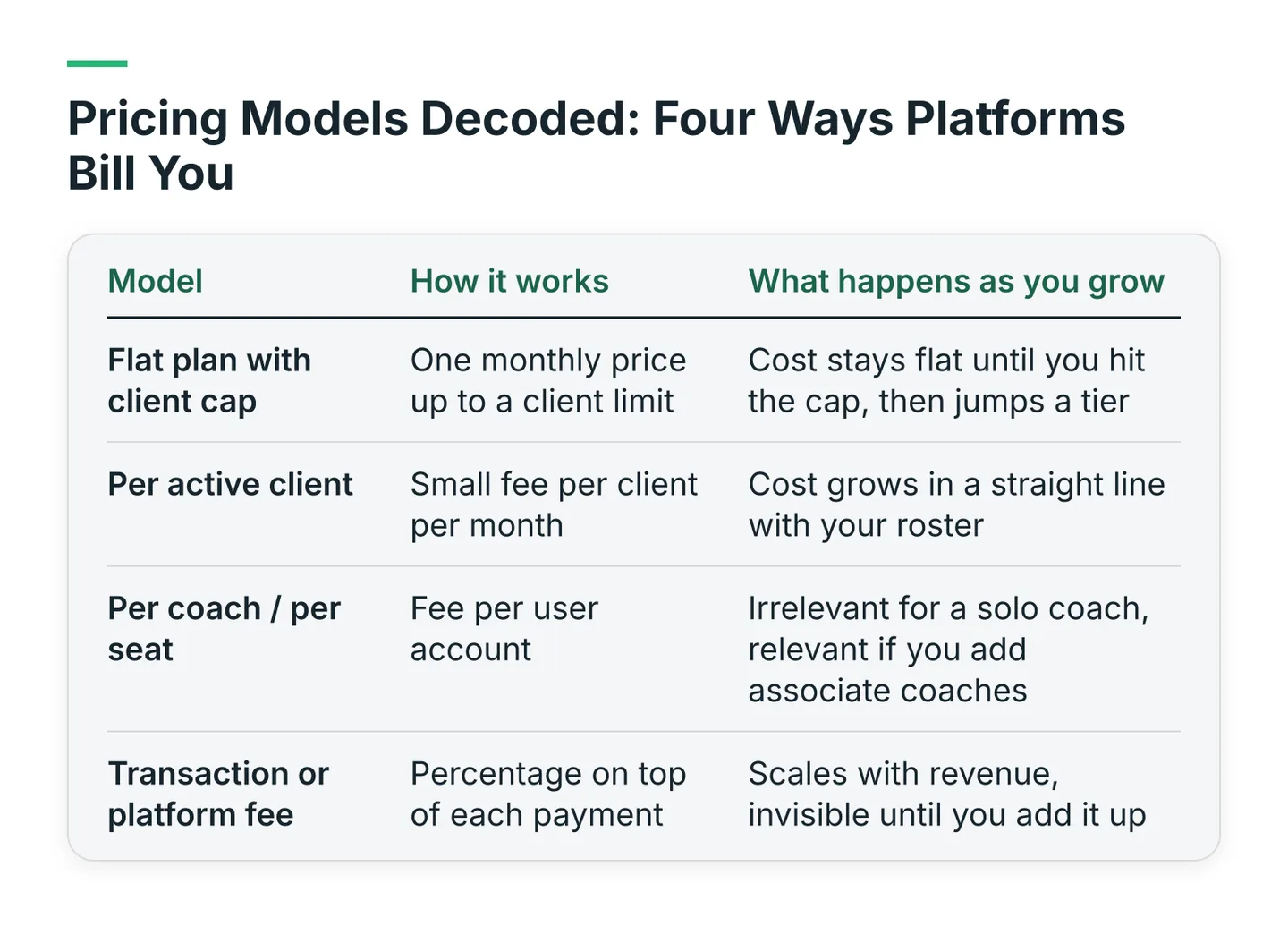
| Model | How it works | What happens as you grow |
|---|---|---|
| Flat plan with client cap | One monthly price up to a client limit | Cost stays flat until you hit the cap, then jumps a tier |
| Per active client | Small fee per client per month | Cost grows in a straight line with your roster |
| Per coach / per seat | Fee per user account | Irrelevant for a solo coach, relevant if you add associate coaches |
| Transaction or platform fee | Percentage on top of each payment | Scales with revenue, invisible until you add it up |
Worked example: the same 25-client roster under two models
Say you will have 25 active clients in a year.
Flat with cap: a plan that includes up to 20 clients for $29/month, with the next tier covering 25. Your base cost is roughly the second tier's monthly price, whatever it is, and it does not move until you grow again.
Per active client: the same 25 clients at, say, $2 per client per month costs $50/month. At 50 clients it is $100/month and still climbing. The flat plan may cost the same or less at 25 and clearly less at 50.
Now add the transaction layer. If the platform takes a 1% platform fee on top of Stripe's processing fee, and your average client pays $200/month, that is $2 extra per client, or $50/month at 25 clients, on top of everything else. A "cheap" platform with a transaction fee can easily outbill a pricier flat plan.
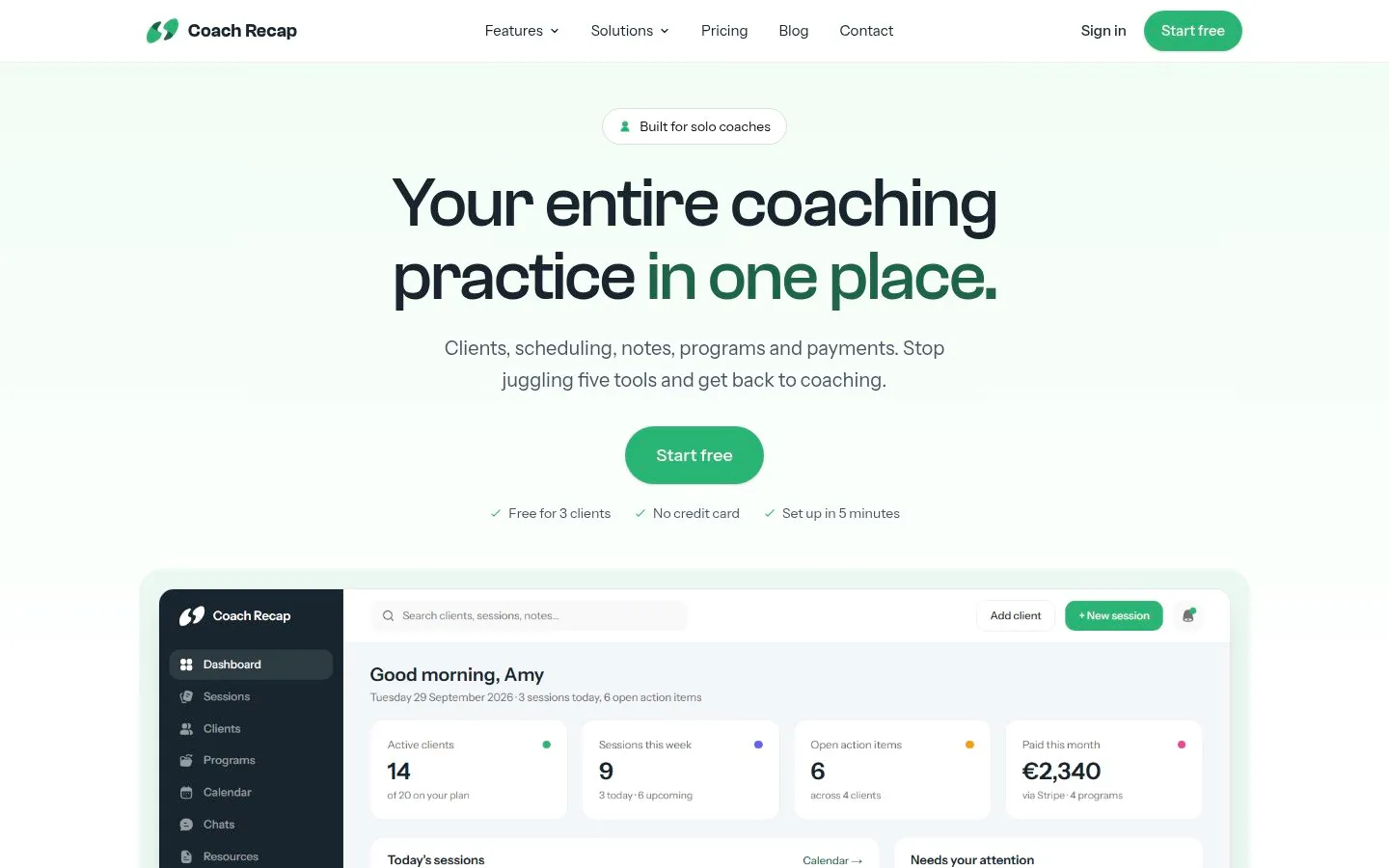
We price Coach Recap on the flat-with-cap model: free for up to 3 clients, then $29/month for up to 20 clients, with no per-client fee and no transaction fee beyond standard Stripe processing. We put that on our pricing page in full, with what each tier includes, because we think a transparent client-cap pricing page is exactly what you should demand from every tool you evaluate. Whatever platform you look at, ask for the price to be written down before you get on a call.
The Total Cost of Stack Check
The entry price rarely covers everything a real practice needs. Before comparing monthly prices, list what each plan excludes:
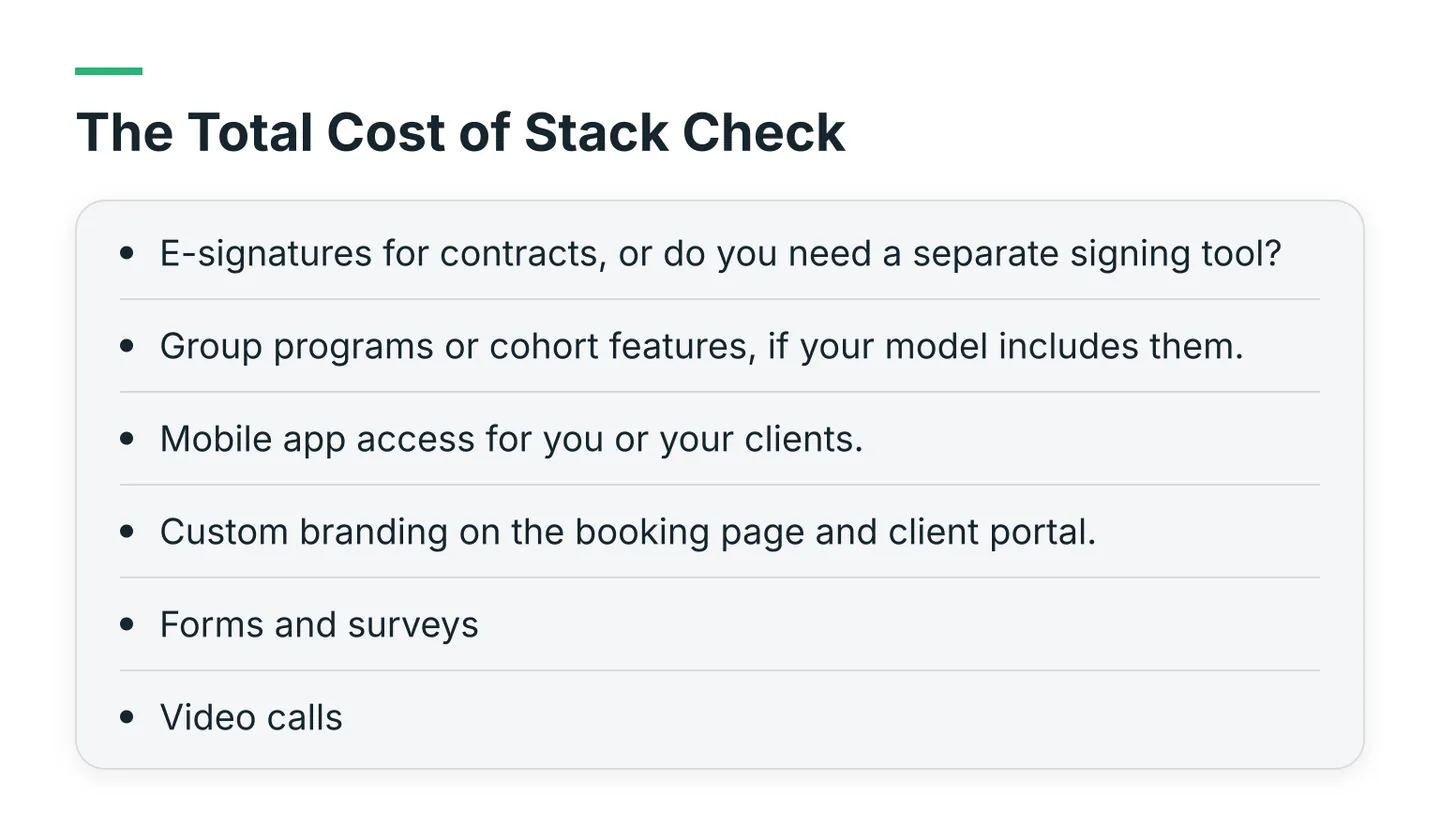
- E-signatures for contracts, or do you need a separate signing tool?
- Group programs or cohort features, if your model includes them.
- Mobile app access for you or your clients.
- Custom branding on the booking page and client portal.
- Forms and surveys: included, limited to N responses, or an add-on?
- Video calls: included, or do you keep Zoom separate?
Add the cost of every external tool the platform forces you to keep, plus any transaction fees, and you have your real monthly number. That number, not the headline price, is what belongs in your comparison.
Trial Mechanics: Read the Fine Print Before You Click
Trials are where good platforms and frustrating ones separate. Check four things before entering any card details:
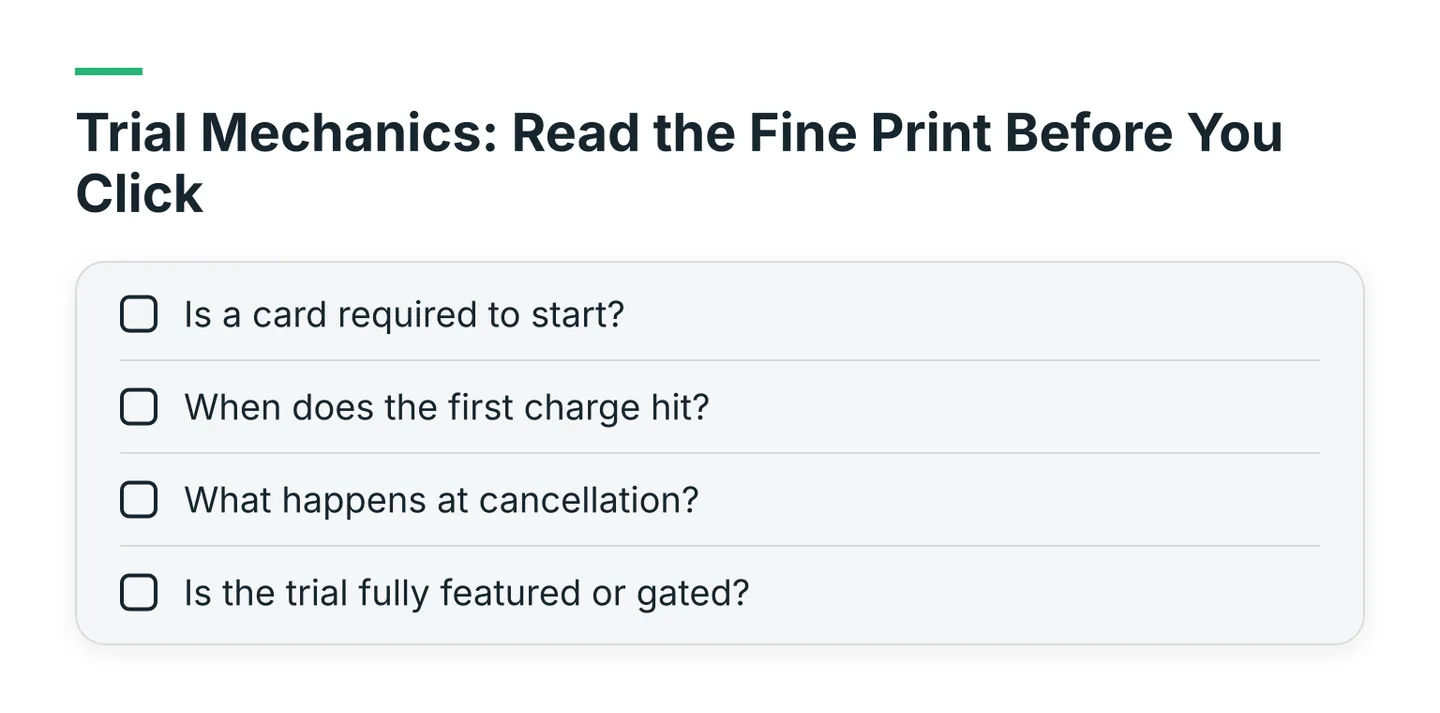
- Is a card required to start? Some trials auto-convert to paid the moment the trial ends. If you forget, you are billed. The FTC's consumer guidance on subscriptions and auto-renewals recommends checking a company's cancellation policy before you sign up, and that applies squarely here. Prefer no-card trials, and set a calendar reminder for the trial's end date either way.
- When does the first charge hit? "14-day trial" sometimes means 14 days from signup, sometimes from first use. Confirm the exact date.
- What happens at cancellation? Can you cancel self-serve in a settings page, or do you need to email support and wait? The cancellation flow predicts how the vendor treats you after they have your money.
- Is the trial fully featured or gated? A trial that locks payments or notes behind "contact sales" is showing you a limited product. Ask yourself whether the real product, not the demo mode, is what you tested.
Data Export and Migration: Test Your Exit Before You Need It
Whatever you build in the platform, you own. Or you should. During the trial, before you commit, verify:
- Can you export clients, notes, sessions and payment history as CSV or similar?
- Is the export self-serve, or does it require a support request?
- Can you export your client list with contact details, or only activity logs?
- If you are migrating from an existing tool, does the platform import your data, or do you retype it?
A platform with no self-serve export is a one-way door. It does not matter how good today's price is if your entire client history is hostage to it.
Red Flags Worth Walking Away From
Some signals cost you money; some cost you your data. Treat any of these as a serious strike:
- No published pricing. If you must book a call to learn the price, expect the price to be negotiated against you.
- Hidden platform or transaction fees that appear only in the checkout flow.
- No data export, or export locked behind the top plan.
- One-way calendar sync that creates double-bookings.
- Forced annual commitments before you have run one full billing cycle.
- Support that only answers through a sales rep during the trial.
- Client-portal friction: if the trial booking flow takes your test client more than a minute, real clients will abandon it.
One green flag that is easy to check: does the vendor publish its pricing, including what each tier caps and excludes? A transparent pricing page is a reasonable proxy for how the vendor handles everything else.
Your 7-Day Trial Checklist
Run one real offer through the platform exactly as a client would experience it. This is the plan:
- Day 1: Set up your offer. Create one real session pack or monthly program with a real price, even if you will not charge anyone yet.
- Day 2: Book as a client. Use a second email address, go through the booking page, and note every step that felt slow or confusing.
- Day 3: Pay as a client. Run a real low-value test payment, then refund it. Check the receipt and the refund flow.
- Day 4: Sign and fill in. Sign the contract, complete the intake form, and check that everything lands in the client record without you re-entering it.
- Day 5: Deliver a session. Hold a real or mock session, write the note, set an action item, and share a resource with your test client.
- Day 6: Follow up. Check the reminder emails, the between-session message thread, and any progress check-in flow.
- Day 7: Score and export. Score the platform against your feature list, run the data export, and confirm the cancellation path.
At the end, score the platform on your six feature categories, multiply by how much each matters to your delivery model, and compare the total against your total cost of stack. One number per platform makes the decision almost mechanical.
If you want the feature side of that score filled in for you, our coaching software features page maps Coach Recap's capabilities onto the same categories this guide uses. And if you would rather jump straight to tool-by-tool comparisons, start with our Best Coaching Software for Life Coaches (2026): 9 Tools Compared roundup.
Frequently Asked Questions
What apps do coaches use to run their practice?
Most solo coaches run on some combination of a practice management platform (clients, notes, scheduling, payments), a video call tool, and a calendar. Coaches who mostly sell self-paced content often add a course platform on top.
What is the difference between a coaching platform and a scheduling tool?
A scheduling tool books appointments. A coaching platform books them and then carries the relationship: notes, goals, forms, payments and follow-up live in the same client record.
How much should a solo coach spend on a platform?
There is no fixed rule, but the useful question is what the tool costs per active client including transaction fees. A flat plan that stays under roughly the cost of one or two client sessions per month is a common comfort zone.
Do I need a platform if I only have a few clients?
You can run a tiny practice on spreadsheets and invoices. But the free tiers most platforms offer, including ours at up to 3 clients, exist precisely for that stage, so the real question is whether the manual admin is worth the savings.
The Next Step
You now have the framework: define the model, score the anatomy, do the pricing math at your real client count, and trial one offer end to end. If Coach Recap fits your delivery model, you can start a free account and put the first three clients on it at no cost, no credit card required, and run this exact 7-day checklist against it.