 Coach Recap
Summary of the Article
A coaching tracker is any tool that keeps one record per client and shows progress between sessions: dated session notes, goals, action items and check-ins. You can run that on a spreadsheet or in dedicated software. The right pick depends on your roster size, how much your clients fill in themselves, and how much history you want to keep.
- Coach Recap: practice management built for solo coaches; tracks client profiles, session notes, goals, action items and check-ins in one place, free to start.
- CoachAccountable: action plans, metrics and progress reports for accountability-heavy coaching; billed per active client, with a 30-day trial.
- Practice Better: charting and client-portal programs for wellness and nutrition work; free plan covers 3 clients.
- Simply.Coach: goals, nudges and stakeholder feedback for executive-style coaching; paid plans from 3 clients, 14-day trial.
- Quenza: worksheets and activity sequences clients complete between sessions; 30-day trial, entry plan covers 10 clients.
- Upcoach: check-ins, worksheets and dashboards for group programs and cohorts; priced by active participants.
- Paperbell: simple scheduling, payments and a coaching website; progress tracking is light.
- Spreadsheet tracker: free and fine for one to three clients, but keeping it current becomes your job.
What a Coaching Tracker Actually Is
Search for a coaching tracker and you get three different things: sports coaching apps, fitness client trackers, and software for tracking clients in a coaching practice. This article is about the third one, because that is what a solo coach usually means: one place to track people, sessions and progress in a one-person practice.
Whatever the tool, a useful coaching tracker holds the same six things:
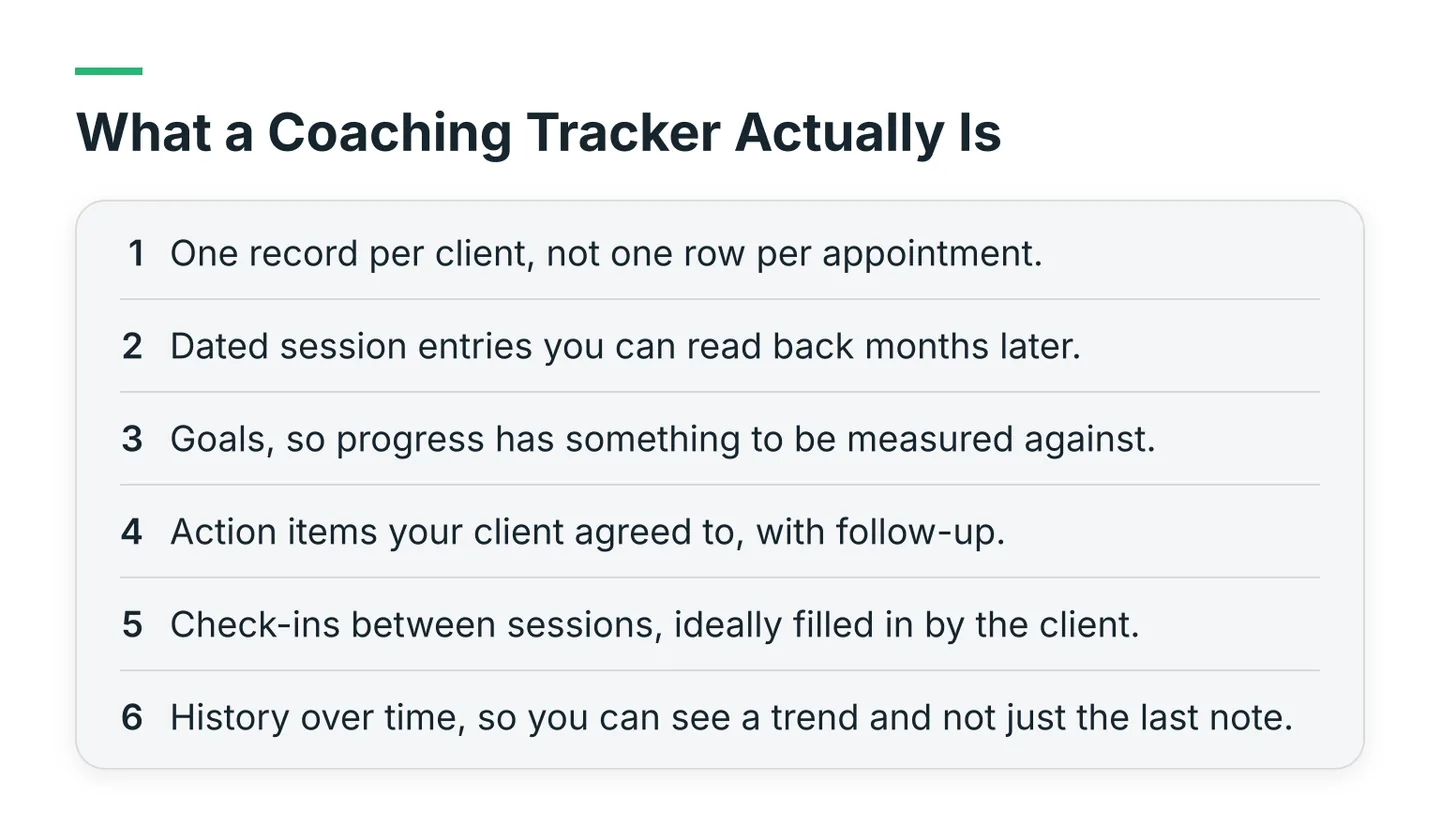
- One record per client, not one row per appointment.
- Dated session entries you can read back months later.
- Goals, so progress has something to be measured against.
- Action items your client agreed to, with follow-up.
- Check-ins between sessions, ideally filled in by the client.
- History over time, so you can see a trend and not just the last note.
If you want the detail behind that list, the guide on client management for coaches breaks down what to track per client and per session.
How These Trackers Were Picked
No hands-on testing is claimed here. Every description below comes from the vendor's own website, and every price was checked on the vendor's own pricing page for this article.
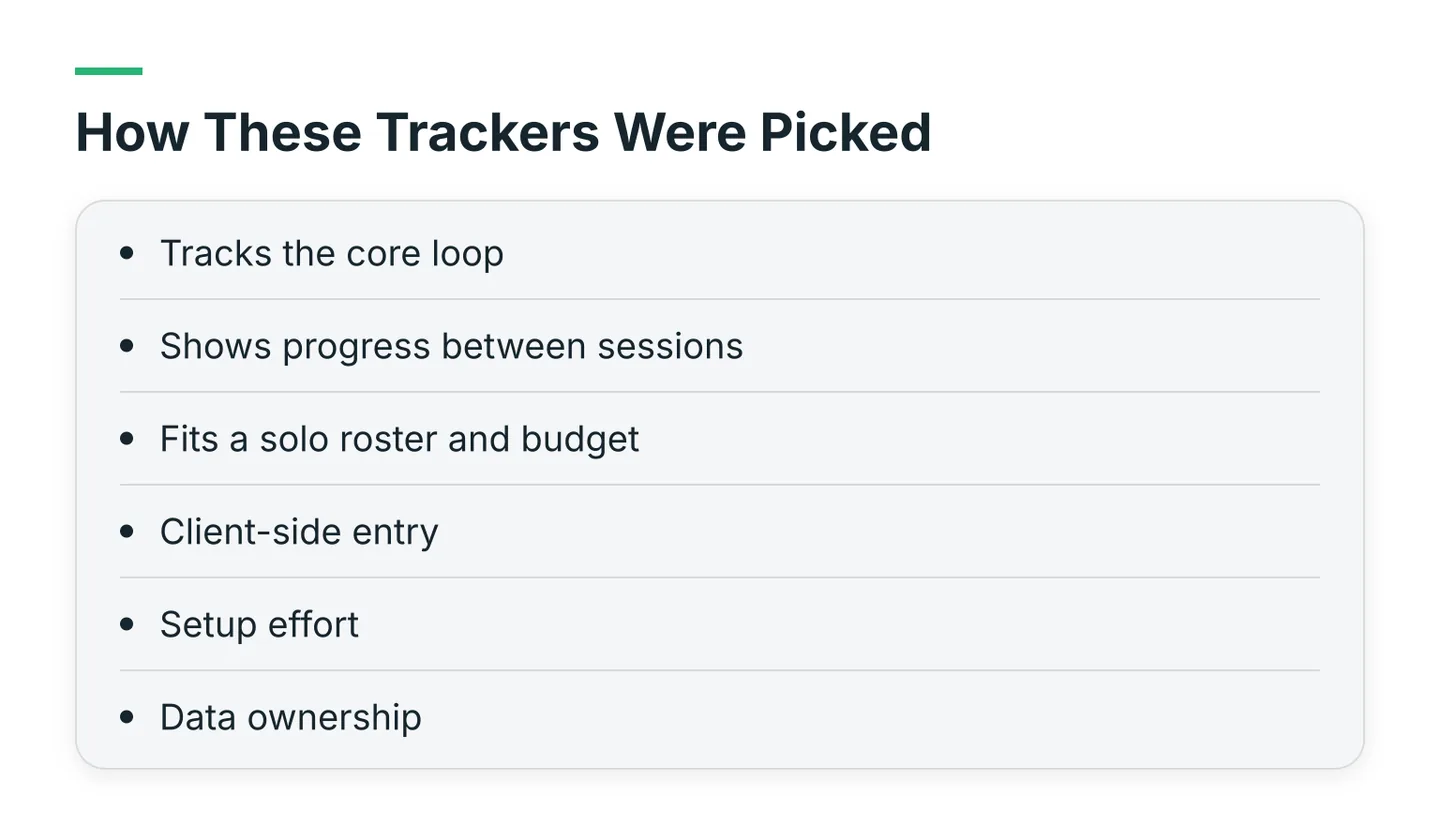
The criteria:
- Tracks the core loop. Goals, action items and dated session history per client.
- Shows progress between sessions. Check-ins, client-reported updates or visible progress indicators.
- Fits a solo roster and budget. Free plans or free DIY routes that work at 3 to 20 clients.
- Client-side entry. How much the client fills in themselves versus you typing everything.
- Setup effort. A one-person practice should not need a training course to get started.
- Data ownership. Export and portability of your client history.
The Shortlist at a Glance
| Tool | Tracks best | Clients fill in themselves? | Starting cost | Free option |
|---|---|---|---|---|
| Coach Recap | Client profiles, dated session notes, goals, action items, check-ins | Yes: forms, surveys, check-ins | Free account to start | Yes, free account |
| CoachAccountable | Action plans, metrics, worksheets, progress reports | Yes: worksheets and metrics | Billed per active client | 30-day trial |
| Practice Better | Charting, note templates, client-portal programs | Yes: portal and forms | $35/month for 10 clients | Free up to 3 clients |
| Simply.Coach | Goals, nudges, stakeholder feedback | Yes: client portal | $9/month billed yearly for 3 clients (list price $19/month) | 14-day trial |
| Quenza | Activities, worksheets, programs between sessions | Yes: client mobile app | $25/month for 10 clients | 30-day trial |
| Upcoach | Group-program check-ins, worksheets, dashboards | Yes: participant app | $49/month billed yearly for 25 participants | 14-day trial |
| Paperbell | Scheduling, payments, client records | Some: intake forms | $97/month flat | Free account |
| Spreadsheet tracker | Whatever you build | No, you do the entry | $0 | Yes |
1. Coach Recap: The Tracking Layer of a Solo Practice
Coach Recap is coaching practice management built for one coach, and tracking sits at the center of it. You get client profiles with session history, goals, notes and action items in one place. Session notes are built for the hour after the session, so each entry captures what was discussed and the follow-up actions the client took on. You can collect intake forms, feedback surveys and progress check-ins, so part of the tracking is done by the client rather than by you.
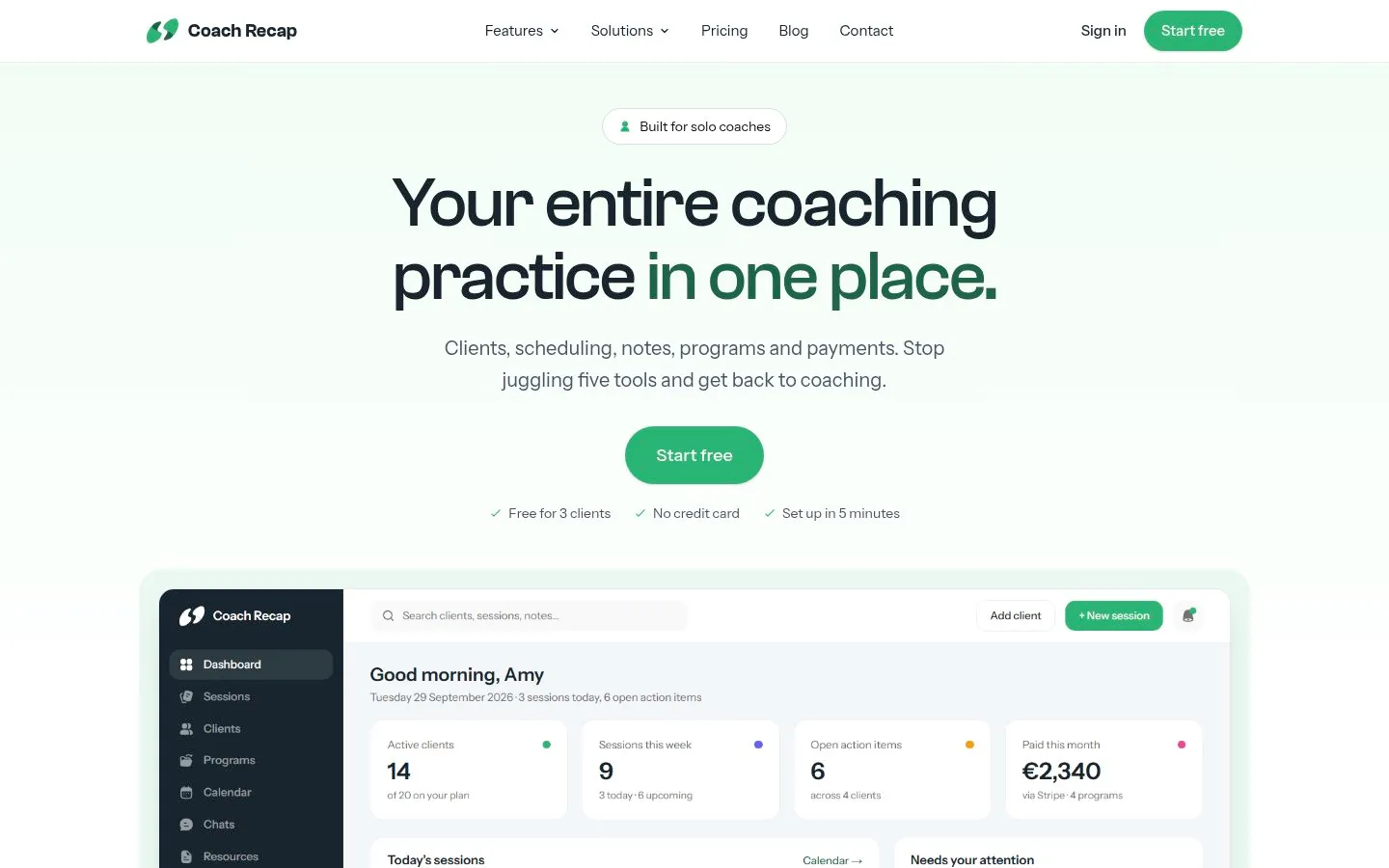
Around that tracking layer you also get scheduling and booking with Google Calendar and Outlook synchronization, session packs and monthly subscription programs collected through Stripe, and a free ICF coaching hours tracker for ACC, PCC and MCC experience requirements.
Tradeoff: It is built for a solo practice. If you run large group cohorts or manage a bench of coaches, a group-program tool like Upcoach fits better. You can start with a free account and no credit card, and the pricing page shows how plans scale with your practice.
2. CoachAccountable: Accountability With Metrics and Reports
CoachAccountable is the pick when your coaching style is metric-driven accountability. Its documented toolkit centers on action plans, metrics, worksheets and progress reports, with clients logging into their own portal to complete work and report results. That makes it strong for engagements where you want to see, in numbers, whether a client is doing the between-session work.
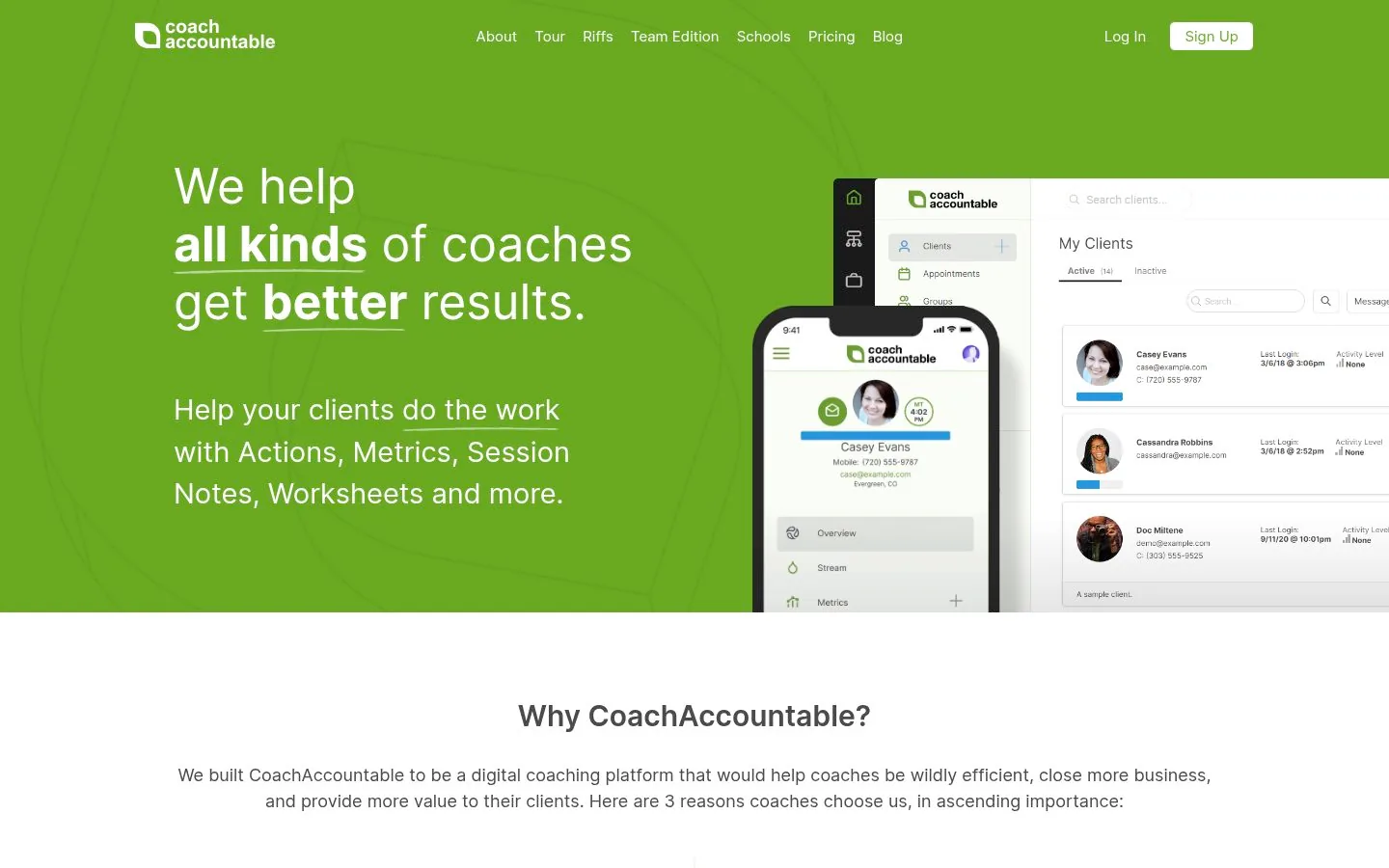
Billing is based on the number of active clients on your billing date, with no setup fees or contracts, and you can deactivate clients to drop to a lower tier. A 30-day free trial gets you started.
Tradeoff: The per-active-client model means cost climbs as your roster grows, and the structured-program approach is more setup than a simple notes-and-goals tracker. Check CoachAccountable's pricing page for current tier prices.
3. Practice Better: Charting and Client-Portal Programs for Wellness Work
Practice Better is built for health and wellness practitioners, and its tracking strengths match that: charting, forms and note templates, a client portal, and fixed-date and self-paced programs clients follow inside the portal. If your coaching touches nutrition, health habits or clinical-style protocols, this depth is the reason to pick it.
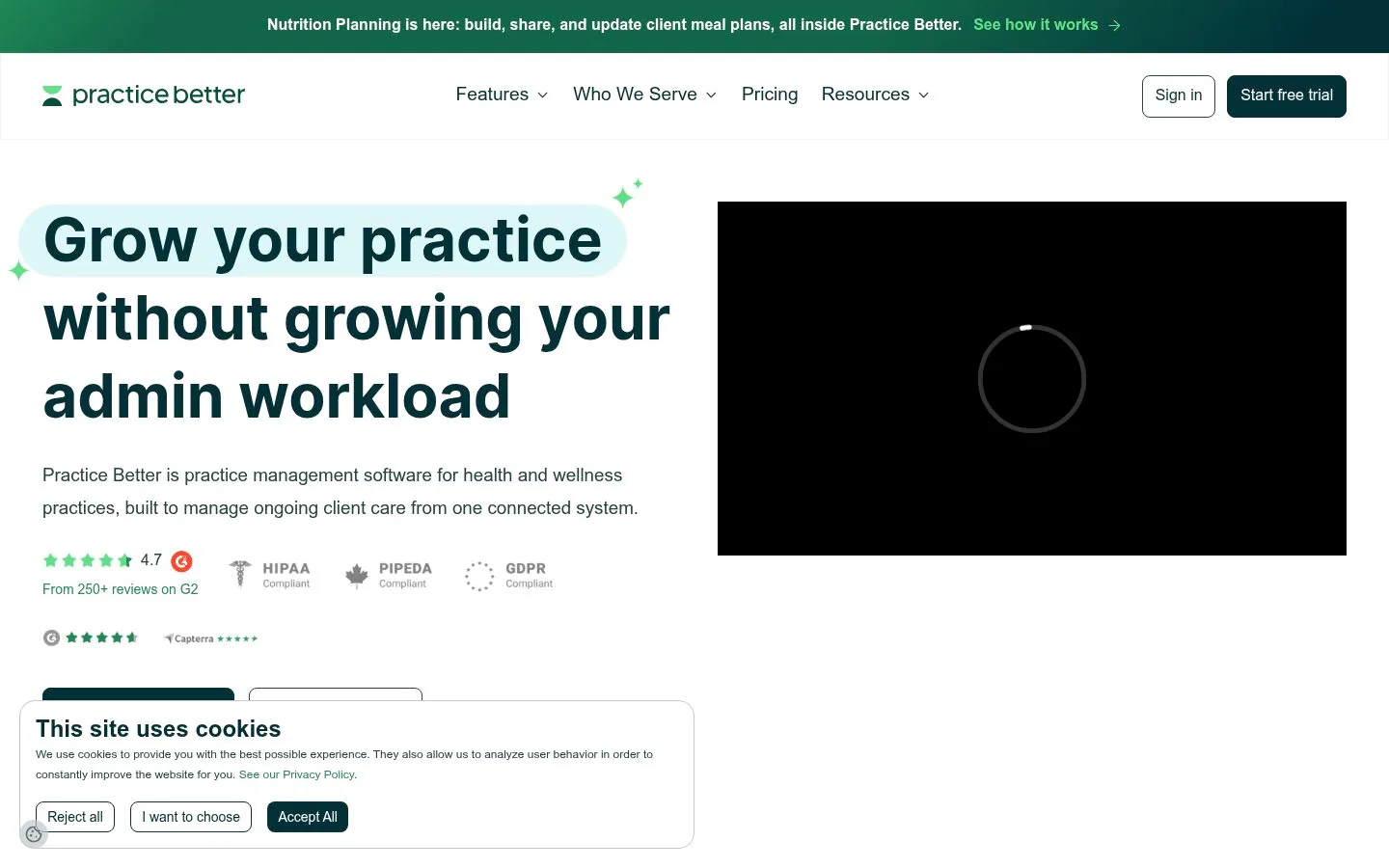
The free Sprout plan covers up to 3 clients, which makes it a genuine free starting point. The Starter plan costs $35 per month for 10 clients, per Practice Better's pricing page.
Tradeoff: It is an electronic health record at heart, so a life or business coach pays for depth they may never use. The plan ladder also jumps from 10 clients to 300, so mid-sized rosters land on a bigger tier than they need.
4. Simply.Coach: Goals, Nudges and Stakeholder Feedback
Simply.Coach leans into executive and leadership coaching, where progress is judged against goals and by the people around the client. Its documented features include action plans with tracking and reminders, goal and development planning, session notes and reflections, and stakeholder management for collecting feedback from a client's manager or sponsors.
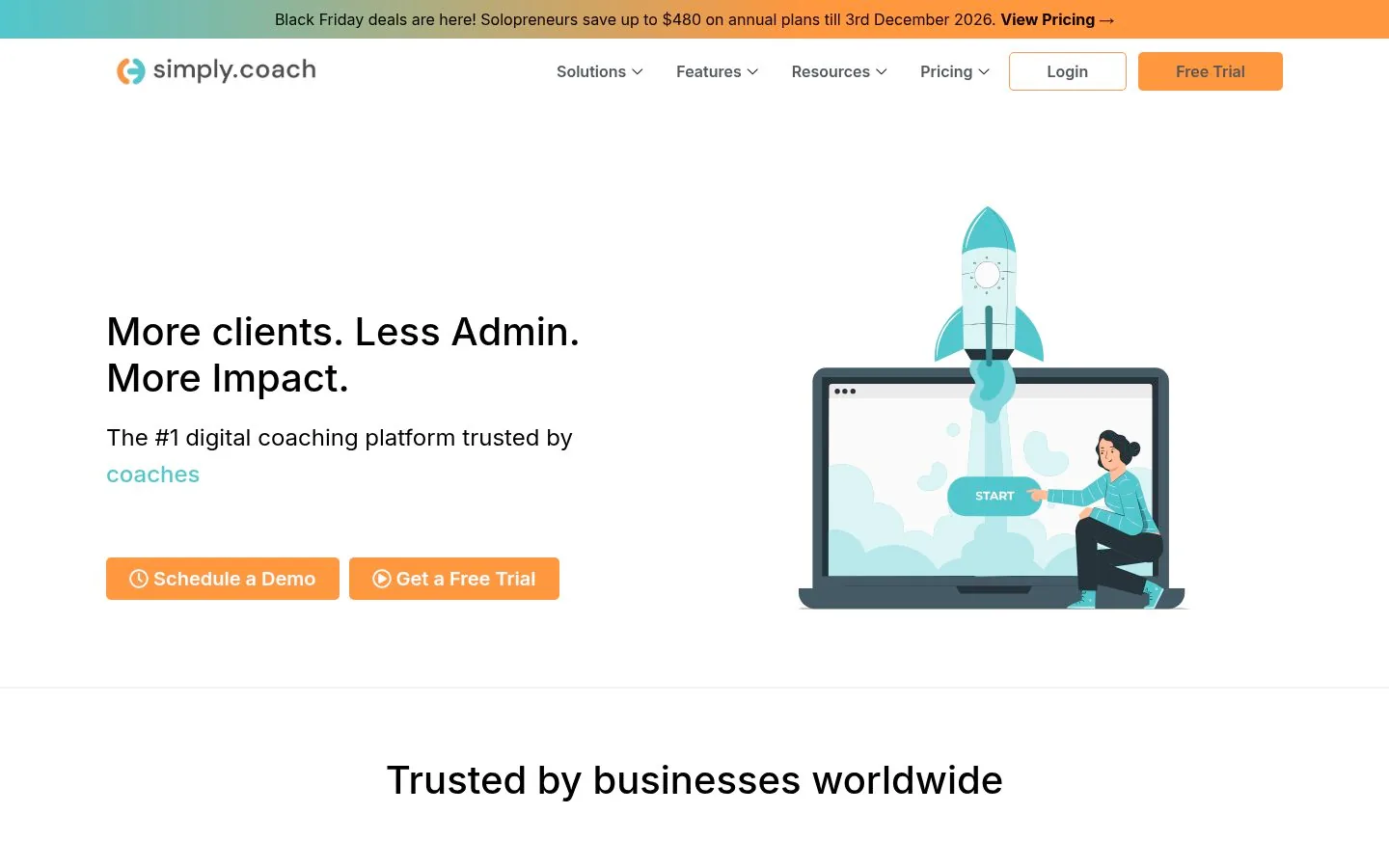
For solo coaches, solopreneur plans start at a list price of $19 per month, or $9 per month billed annually, for 3 active clients, with a 14-day free trial and no credit card required, per the Simply.Coach pricing page for solopreneurs.
Tradeoff: There is no free plan, and each tier caps your active clients: 3 on Starter, 7 on Essentials, 30 on Growth. The stakeholder features matter most in executive work; a life coach with no third parties involved gets less from them.
5. Quenza: Worksheet-Based Progress Between Sessions
Quenza treats between-session work as the product. You send clients activities, worksheets and sequences of both, organized into programs, and clients complete them in a mobile app. Every plan includes a library of pre-made activities, plus notes, tasks, file sharing and 1:1 chat.
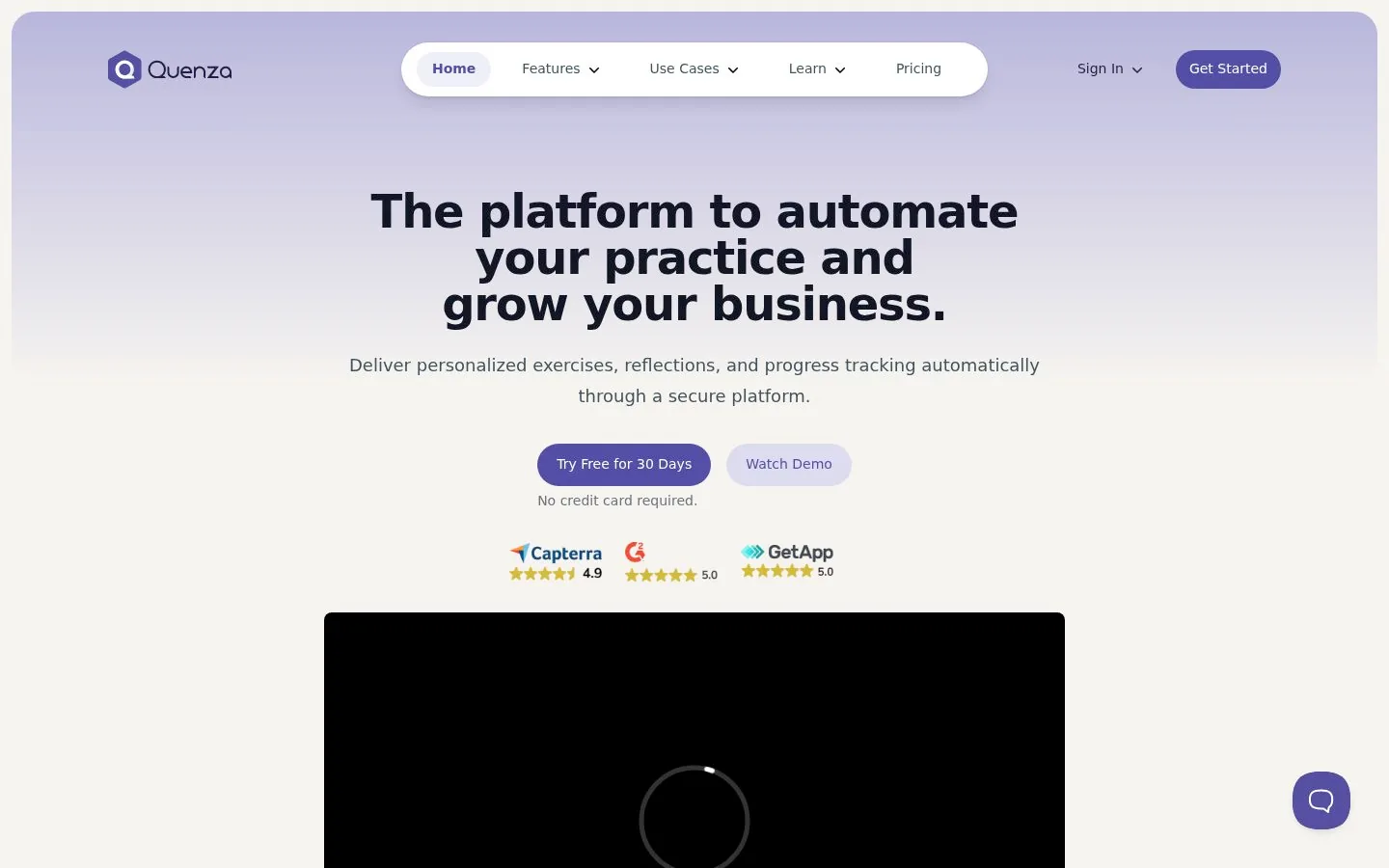
The entry Spark plan covers 10 clients and one professional at $25 per month, or $20 per month billed yearly, and every plan starts with a 30-day free trial, per Quenza's pricing page.
Tradeoff: Quenza tracks the work clients do, not your practice around it. There is no scheduling or payment collection, so many coaches pair it with another tool, which means two subscriptions and two places to look.
6. Upcoach: Tracking for Group Programs and Cohorts
Upcoach is built for group coaching, cohorts, masterminds and challenges. Its tracking tools are worksheets, check-ins, tasks and lessons, surfaced through progress dashboards and aggregated results across a program. Clients work in their own participant app.
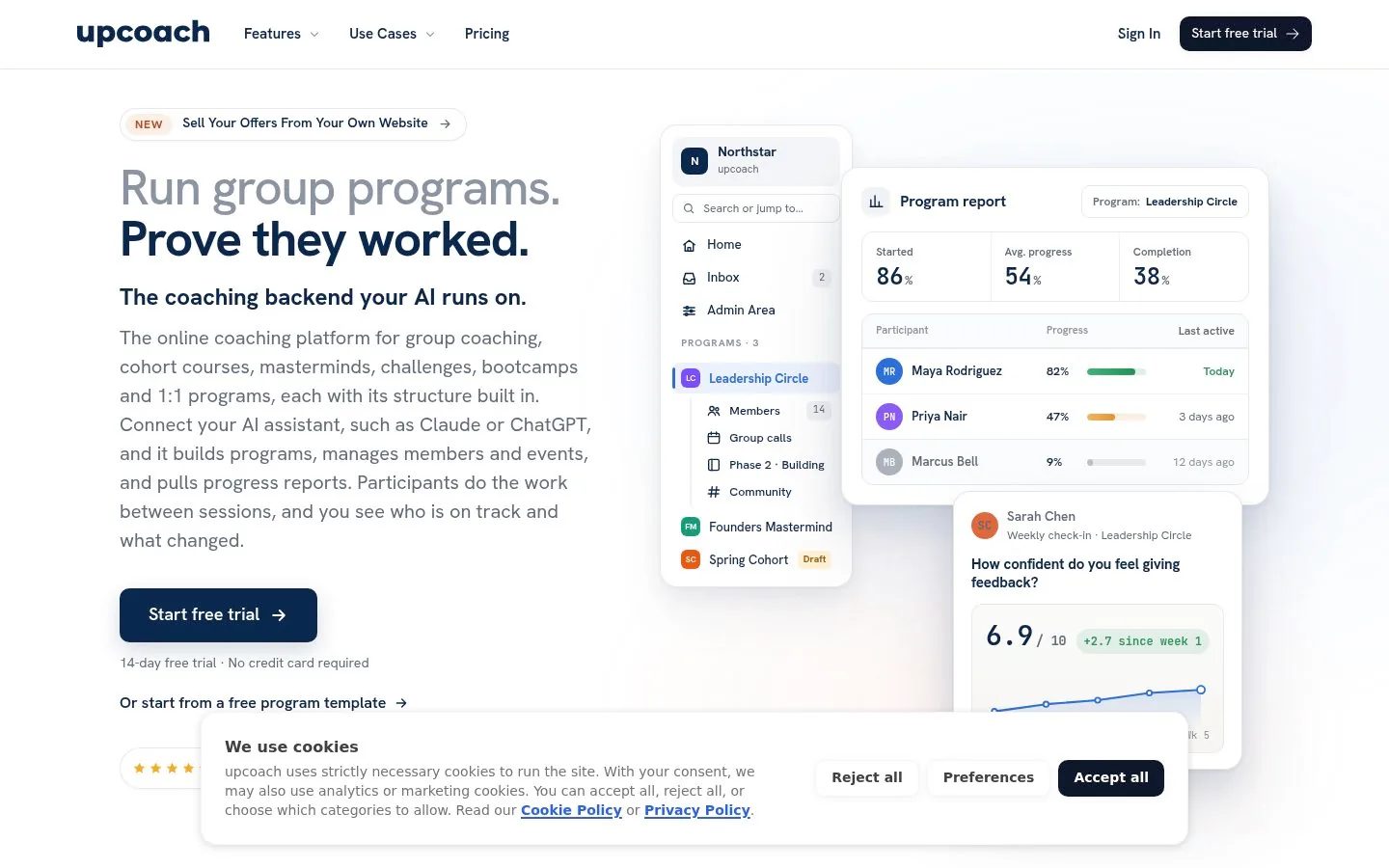
Pricing counts active participants: the Starter plan is $49 per month billed annually ($59 month to month) for 25 active participants, with a 14-day free trial, per Upcoach's pricing page. Starter also carries a 4% transaction fee on payments collected through the platform.
Tradeoff: If you coach one client at a time, you are paying program-operator prices for tracking you could get cheaper elsewhere. If you run cohorts, it is the most purpose-built option on this list.
7. Paperbell: Simple Scheduling and Payments, With Light Tracking
Paperbell is the simple pick for the business side of coaching. Its own FAQ describes it as a coaching website builder plus scheduling, payment processing, contract signing, group coaching management and a client portal, all for one flat $97 per month or $970 per year, with unlimited clients and no added transaction fees. A free account lets you set up packages and a site before paying, per Paperbell's pricing page.

Tradeoff: Progress tracking is not what Paperbell is for. Client and appointment records live there, but goals, action items and between-session check-ins need a different tool, which is why it appears here as the scheduling-and-payments pick rather than the tracking pick.
The Free Route: Spreadsheet and Template Trackers
The honest answer to "coaching tracker free" is that a spreadsheet is the right tool at the start. A Google Sheet with one tab per client, columns for session date, focus, agreed actions and check-in results, costs nothing and takes an hour to set up. Trello or Asana boards work on the same idea, with a list or card per client.
A spreadsheet stops working when three things happen:
- Volume. Past a handful of clients, keeping rows current competes with coaching.
- Client-side entry. A sheet cannot nudge a client to fill in a check-in or capture their update while you sleep.
- History. Seeing a client's trend across six months means manually digging through rows.
One warning from the search results themselves: generic apps labeled "coaching tracker" are often fitness client trackers that log workouts and body stats, not the goals, actions and check-ins of a coaching engagement. Check what an app actually records before you move your client data into it.
There is also a middle path: free single-purpose trackers. The ICF coaching hours tracker is a free log for ACC, PCC and MCC hours that needs no account, and a free plan on Practice Better, Coach Recap or Paperbell can carry your first few clients before you pay for anything.
Which Coaching Tracker Fits You?
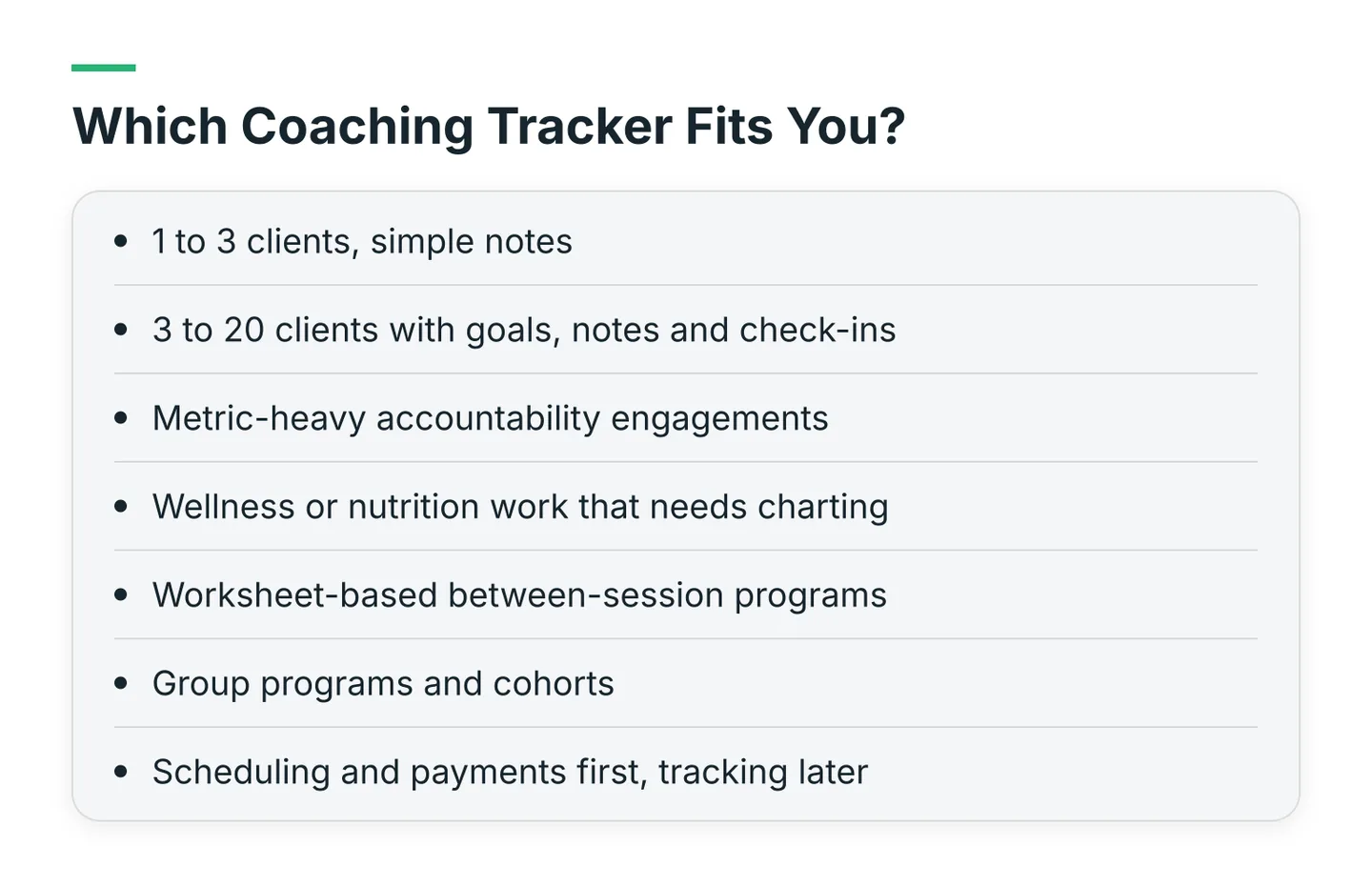
- 1 to 3 clients, simple notes: a spreadsheet or a free plan. Revisit when the maintenance becomes your job.
- 3 to 20 clients with goals, notes and check-ins: an all-in-one practice tool like Coach Recap, where tracking, scheduling and payments share one client record.
- Metric-heavy accountability engagements: CoachAccountable.
- Wellness or nutrition work that needs charting: Practice Better.
- Worksheet-based between-session programs: Quenza.
- Group programs and cohorts: Upcoach.
- Scheduling and payments first, tracking later: Paperbell.
If you want the pricing side of the same decision in more depth, the companion guide to the best coaching apps for solo coaches compares six tools at a realistic client count.
Coaching Tracker FAQs
What apps do coaches use?
Solo coaches typically use some combination of a practice management tool for client records, session notes, goals and payments (Coach Recap, CoachAccountable, Simply.Coach or Paperbell), a video call tool, and a calendar. Coaches running group programs add a platform like Upcoach, and wellness practitioners often use a clinical-style tool like Practice Better.
Is there a free coaching tracker?
Yes, in three forms. A spreadsheet is free and works for one to three clients. Practice Better has a free plan for up to 3 clients, and Paperbell and Coach Recap both offer free accounts. For a narrow need, the free ICF hours tracker on this site logs ACC, PCC and MCC hours with no account.
How many clients before a spreadsheet stops working?
Most solo coaches hit the limit somewhere between 3 and 5 clients, when check-ins, action follow-ups and history-keeping start taking more time than they save. If you are re-reading old messages to reconstruct what a client agreed to, that is the signal to move to a tool with per-client records.
Start Tracking Without Paying First
If you want client profiles, session notes with goals and action items, progress check-ins and forms in one place, start a free Coach Recap account. No credit card is required, so you can move your first client's history in and see if it fits before paying anything.